Combine LCM Migration Files
Recently I had a scenario where I needed to migrate to production updated artefacts from DEV to UAT to PROD. Inevitably through testing there were one or two additional artefacts to go into PROD. Rather than trying to reselect all the artefacts from previous migrations which obviously can be prone to error in an extensive list, I wondered if I could merge the LCM files using the Export.xml file.
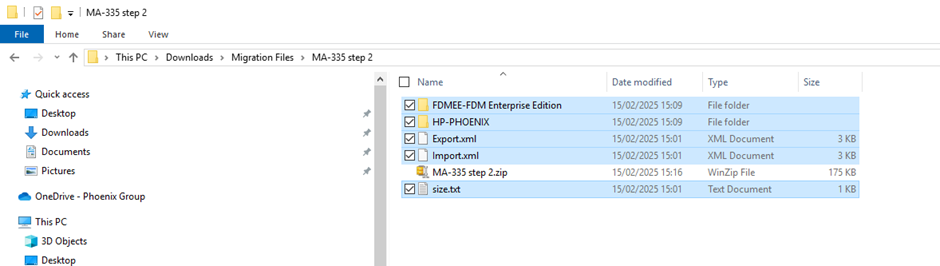
First Step download the LCM Zip files and decompress
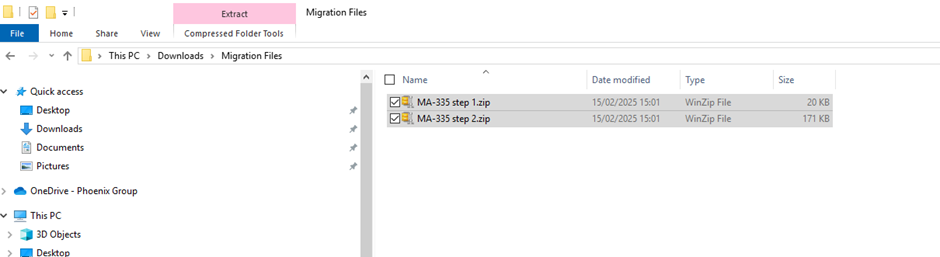
Then edit the Export.xml in the uncompressed root folder from the ZIP file.
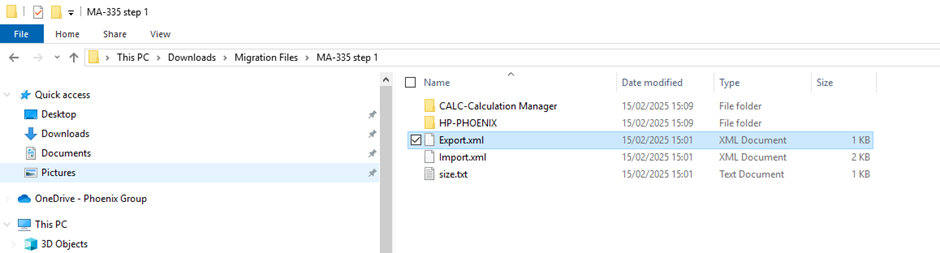
Notepad++ does the job quite well
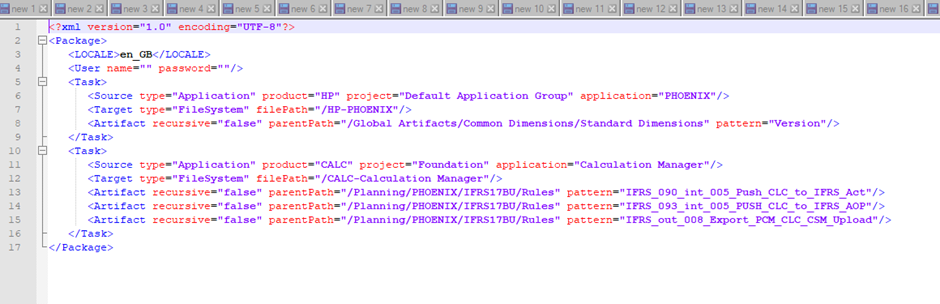
Paste in the lines from the second Export.XML. Note the additional section for FDMEE (Data Manager)
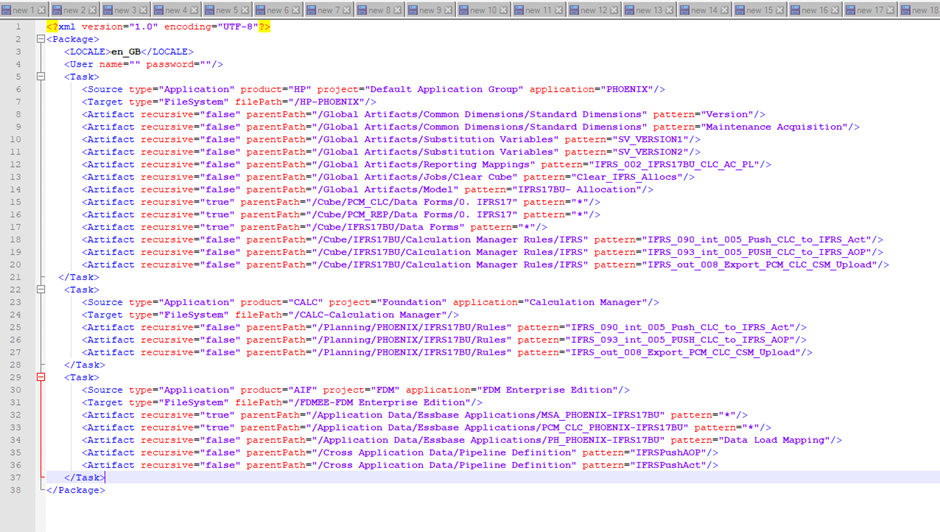
Save the file and zip back up again making sure that the root folder is the one with the Export.xml file in, otherwise the zip file won’t be recognised as a LCM Migration file.
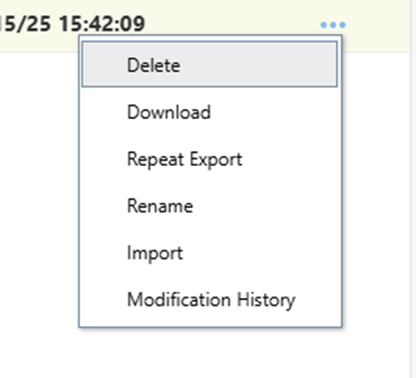
Once uploaded, in the navigator->snapshots page, from the 3 dot menu, run Repeat Export
and it will have all the artefacts in one file 😊